

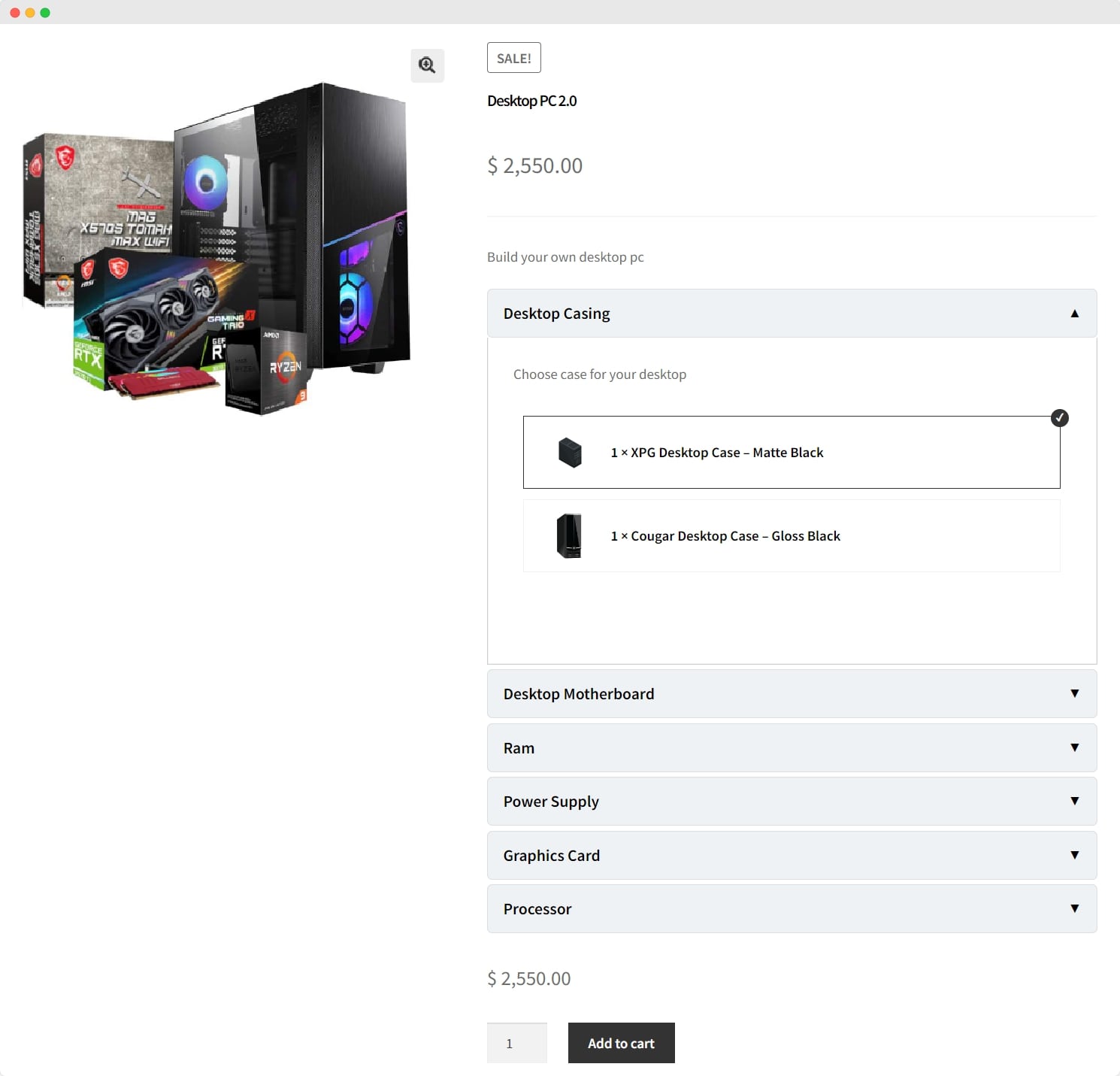
Let shoppers configure tailored products by selecting parts step-by-step. WooCommerce Composite Product Builder enables multiple components, flexible pricing methods, and inter-component dependencies. You can refine the component layout and surface stock status wherever it’s needed.
The plugin costs $89/year, including free installation and one year of support. Prefer monthly? It’s $7.42. Your plan also includes 1-year extension updates and a 30-day money-back guarantee—offering both flexibility and peace of mind.
Key Features
-
Personalize products to match each customer’s taste
-
Show products as selectable components
-
Modify pricing with five adaptable modes
-
Pick from three distinct layout options
-
Choose item-level or bundled shipping
Yoast SEO
Yoast SEO
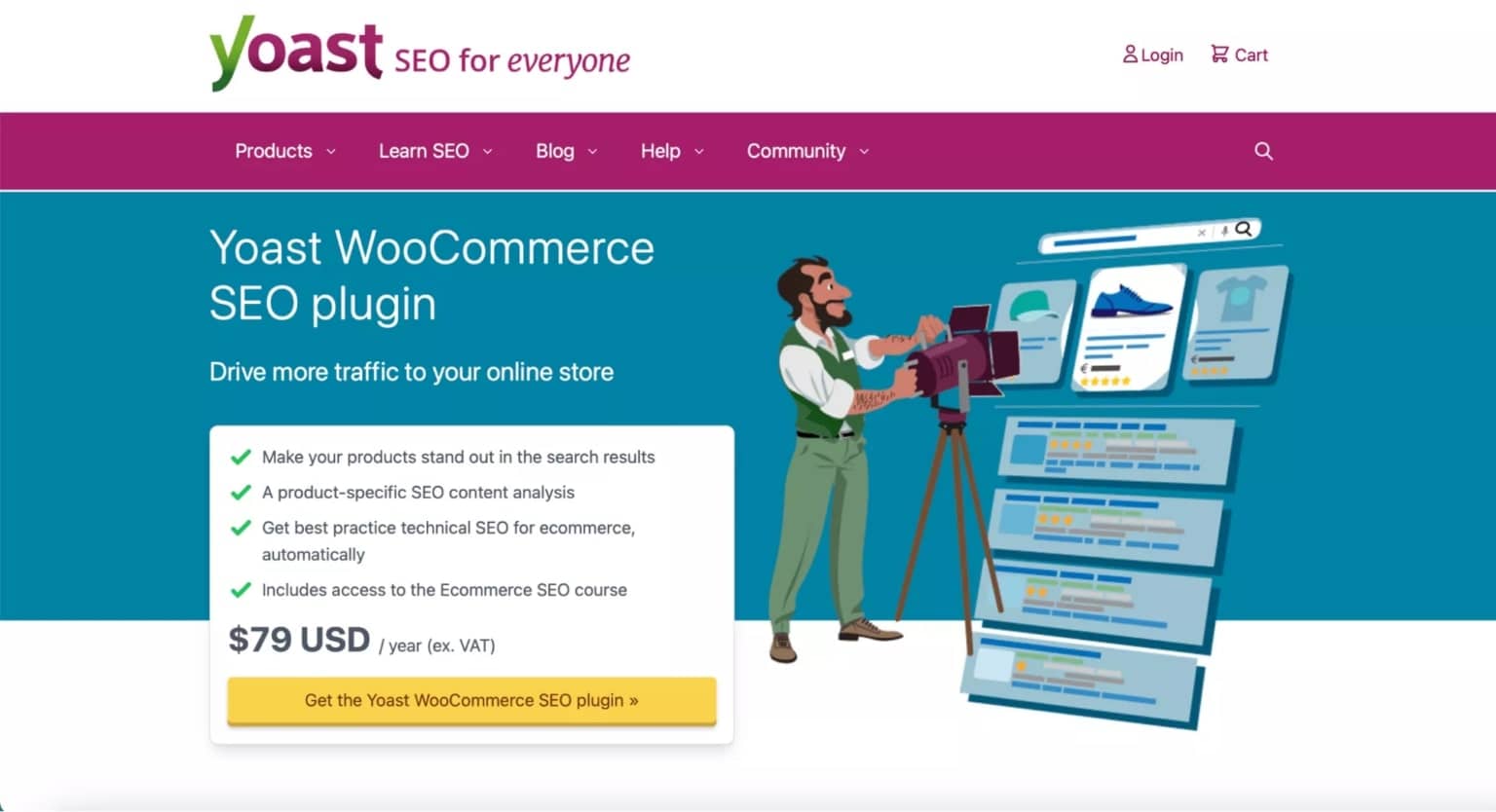
Yoast SEO helps your site climb search results by adding modern SEO capabilities that elevate your pages across Google and other platforms. It integrates with your content workflow, offering clear suggestions to improve visibility and steadily boost rankings.
Pricing: Yoast SEO Premium is $99/year. The Yoast bundle is $229/year and includes advanced SEO tools, online training, a full year of updates, and 24/7 support—delivering strong value.
Key Features
-
Automatically generate SEO meta tags
-
Build XML sitemaps for efficient crawling
-
Connect with social platforms to enhance presence
-
Get real-time content analysis and optimization tips
-
Broad compatibility with WordPress themes and plugins
Elementor

Elementor
Elementor is a beginner-friendly WordPress builder for crafting high-converting product pages—no code required. Its drag-and-drop interface makes customization simple, it plays nicely with most themes and plugins, and its responsive design ensures your pages look sharp on any device. Power tools like Theme Builder further streamline site creation for a polished, consistent look.
Pricing: Business plan at $19.99/month (20% off), billed annually at $240; renews at $300/year, with 30-day backups included. Additional plans are available.
Key Features
-
Drag-and-drop page customization
-
Rich widget library with diverse content elements
-
Mobile-responsive design for smooth UX
-
Real-time editing and instant preview
-
Broad support for third-party plugins for extended functionality
WP Forms
WPForms
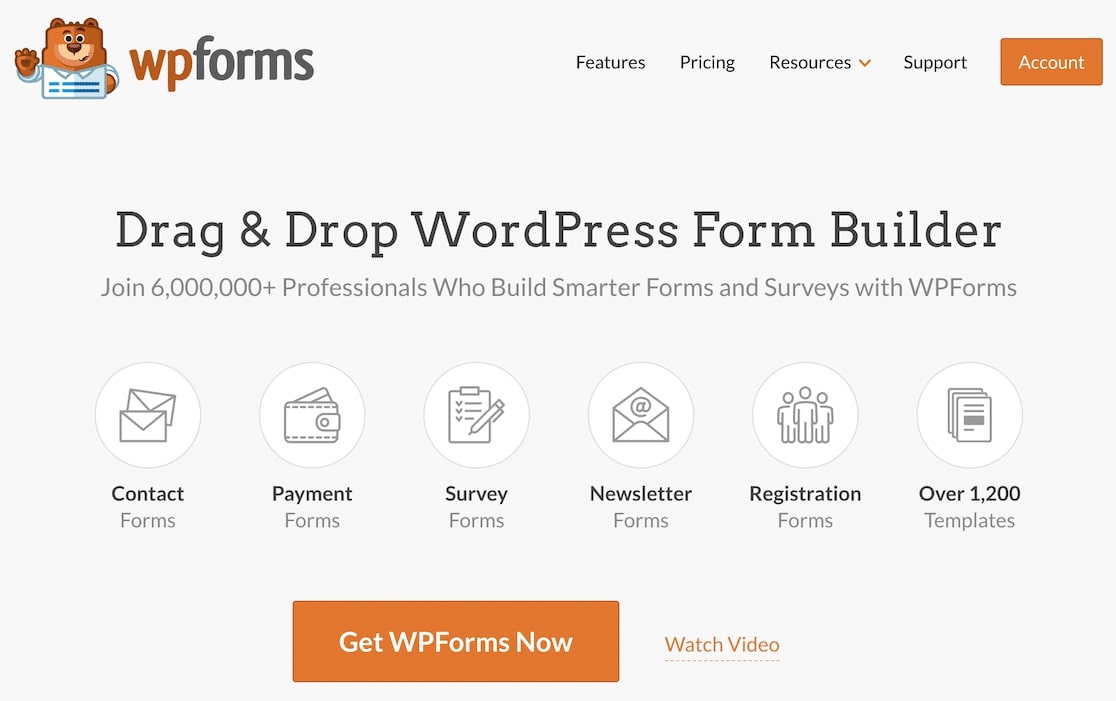
WPForms streamlines building contact forms, surveys, and more with an intuitive drag-and-drop builder—no coding needed. It helps teams launch forms quickly, capture leads reliably, and strengthen customer communication to grow an online business.
Pricing: Basic plan at $49.50/year for one site, with unlimited forms, submissions, and users.
Key Features
-
User-friendly drag-and-drop form builder
-
Pre-built templates for fast setup
-
Advanced options like conditional logic
-
Built-in payments for smooth checkout and donations
-
WooCommerce-ready for orders and post-purchase feedback
WooCommerce Menu Cart
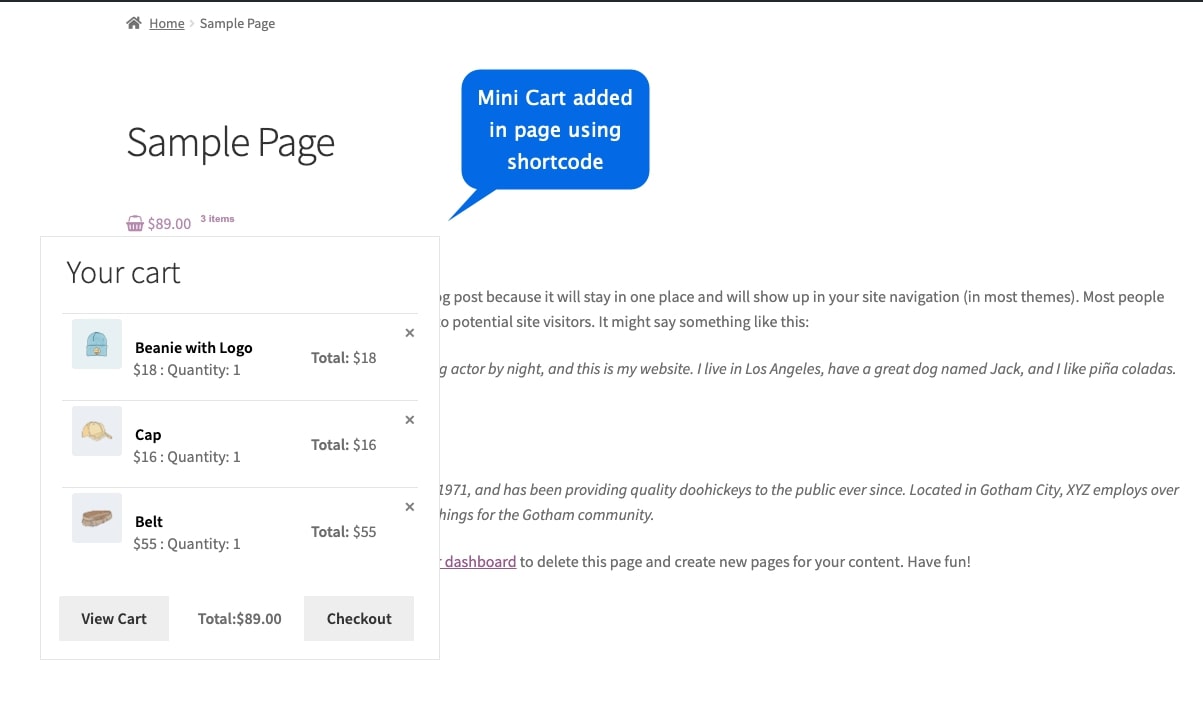
Add a sleek mini-cart dropdown to your header—or place it anywhere with a shortcode. Shoppers can peek at their basket without leaving the current page, and they can edit or update product variations right from the cart, boosting speed and overall UX.
Pricing: $2.08/month billed annually ($25). Includes 1 year of support, extension updates, and a 30-day money-back guarantee.
Key Features
-
Create a mini-cart dropdown from the menu
-
Insert via shortcode anywhere on site
-
Choose from three mini-cart templates
-
Let customers update variations in the cart
-
Customize cart and checkout buttons
MonsterInsights

MonsterInsights helps you uncover store performance using Google Analytics—right inside your WordPress dashboard. It tracks key metrics, analyzes shopper behavior, and turns data into actionable insights so you can optimize conversions and grow revenue without leaving WP.
Pricing: Plus plan at $99.50/year for one site with unlimited pageviews and users; other tiers are available.
Key Features
-
Seamless Google Analytics integration
-
Real-time stats for faster decisions
-
Enhanced eCommerce tracking
-
Clean, beginner-friendly WP dashboard
-
Customizable performance reports
HubSpot

he HubSpot plugin streamlines relationship management by syncing your WordPress site with HubSpot’s CRM and marketing tools. Capture and nurture leads, automate campaigns, and improve communication—all from a unified workspace—so your team can deliver more personalized experiences and accelerate growth.
Pricing: Starts with a free plan. Upgrade options begin at $20/user/month (billed annually). A 14-day free trial lets you test features before committing.
Key Features
-
Manage leads seamlessly with HubSpot CRM
-
Score and analyze leads for smarter targeting
-
Automate marketing workflows for personalized outreach
-
Segment contacts for precise communications
-
Leverage HubSpot tools for email, social, and more
Custom User Registration Fields for WoCommerce
Enhance how you capture customer info by extending your registration forms with extra fields. Add multiple choice, dropdowns, checkboxes, dates, file uploads, and more—then display them on the My Account page or place them exactly where they’re needed. This flexibility helps you collect personalized data, streamline onboarding, and smooth out transactions across your WooCommerce store.
Pricing: $4.08/month billed annually ($49). Includes 1 year of support, extension updates, and a 30-day money-back guarantee.
Key Features
-
Unlimited custom fields for registration
-
Edit and extend default registration fields
-
Control field visibility on My Account
-
Set fields as required or optional
-
Enable registration at checkout
WpRocket
WP Rocket accelerates your WooCommerce store with caching, image optimization, and database cleanups—all through an easy setup. By reducing bloat and improving how assets load, pages render faster and shoppers enjoy a smoother, more responsive experience.
Pricing: Three licenses—Single at $59/year (1 site), Plus at $119/year (3 sites), and Infinite at $299/year (unlimited). All include product updates and support.
Key Features
-
Simple, effective speed boosts for page loads
-
Image optimization for quicker rendering
-
Beginner-friendly setup and interface
-
Broad compatibility with themes and plugins
-
Automatic caching to keep sites consistently fast
Other Noteworthy WooCommerce Plugins
WooCommerce Bookings and Appointments
Turn your store into a full-fledged booking engine. Perfect for salons, spas, rentals, hotels, consultants, and online service providers, WooCommerce Bookings and Appointments automates scheduling, manages availability, syncs calendars, integrates with Zoom for virtual sessions, and processes payments with ease. With multilingual support and seamless calendar connections, it delivers a frictionless experience for customers while saving you time behind the scenes.
Pricing: Starts at $149/year for a single-site license, including one year of updates and priority support—plus a 30-day money-back guarantee.
Key Features
-
Flexible bookings by day, hour, or group
-
Smart pricing rules by time, guests, or seasons
-
Sync with Google, Outlook, iCal, and Zoom
-
Availability controls with custom rules and buffers
-
Automated confirmations, reminders, and updates
Conclusion
These top WooCommerce plugins for 2025 elevate customer experience across your store—improving search visibility, streamlining interactions, and boosting overall performance. Whether you’re personalizing prices, building composite products, optimizing SEO, or tracking analytics, this curated stack helps your brand stand out in a competitive e-commerce landscape.
FAQs
What is the best plugin for WooCommerce?
It depends on your goals. For a smoother shopping experience, WooCommerce Menu Cart adds a handy, always-visible cart dropdown.
Can WooCommerce handle 10,000 products?
Yes—performance mainly depends on quality hosting and optimization. Use solid infrastructure and smart speed tactics to keep large catalogs running smoothly.
What is the best editor for WooCommerce?
Preferences vary, but many store owners love Elementor (and Beaver Builder) for flexible, code-free page design. Test a few to match your workflow.
Is there an alternative to WooCommerce?
Shopify is a popular hosted alternative with an intuitive interface and robust features. Evaluate your requirements and budget to decide which platform fits best.